Table of Contents
Introduction
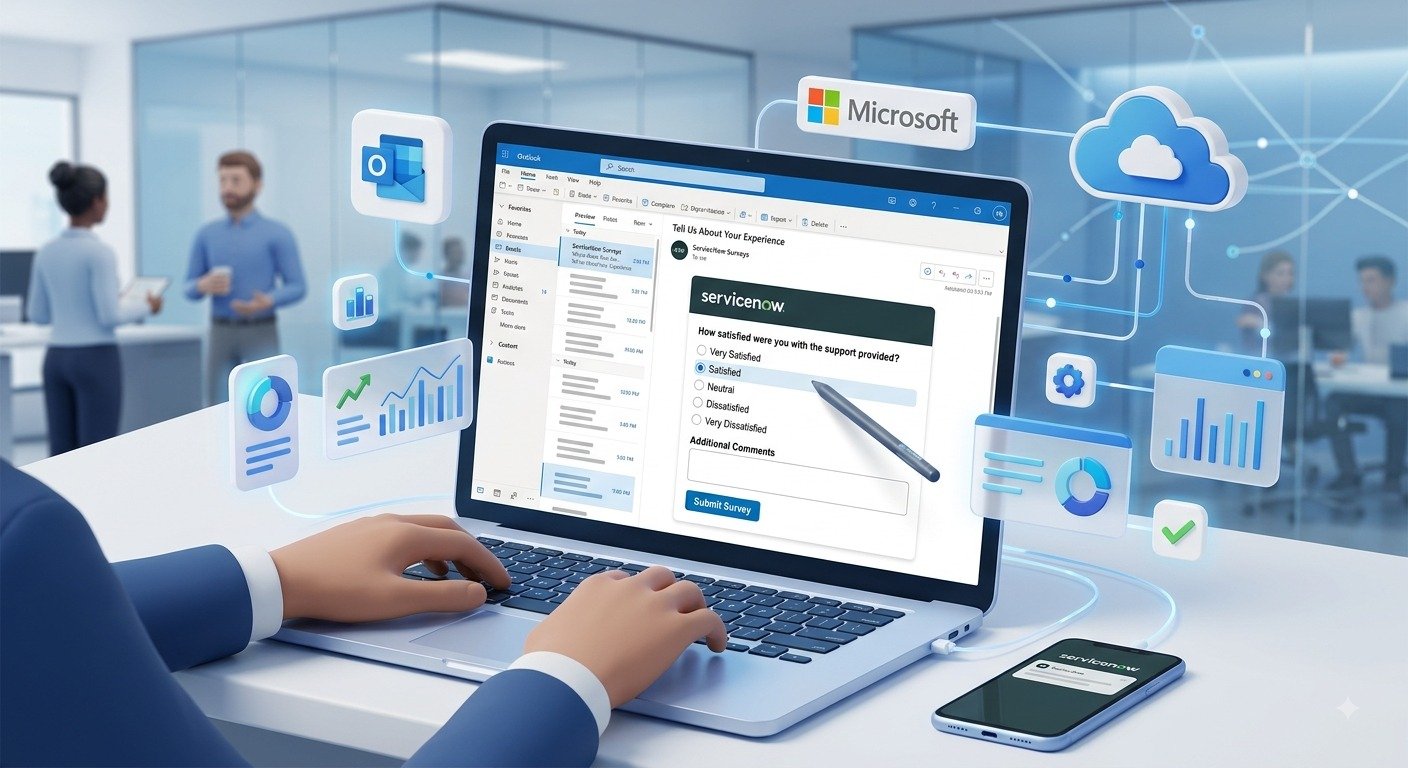
Outlook Actionable Messages (OAM) in ServiceNow allow users to interact with ServiceNow notifications directly from Microsoft Outlook without opening the ServiceNow portal. Users can approve requests, provide feedback, complete surveys, and perform other actions directly from the email itself.
This improves user experience, increases response rates, and reduces the number of clicks required to complete common tasks. ServiceNow uses the Microsoft Outlook integration to render these interactive cards inside Outlook emails.
What are Outlook Actionable Messages?
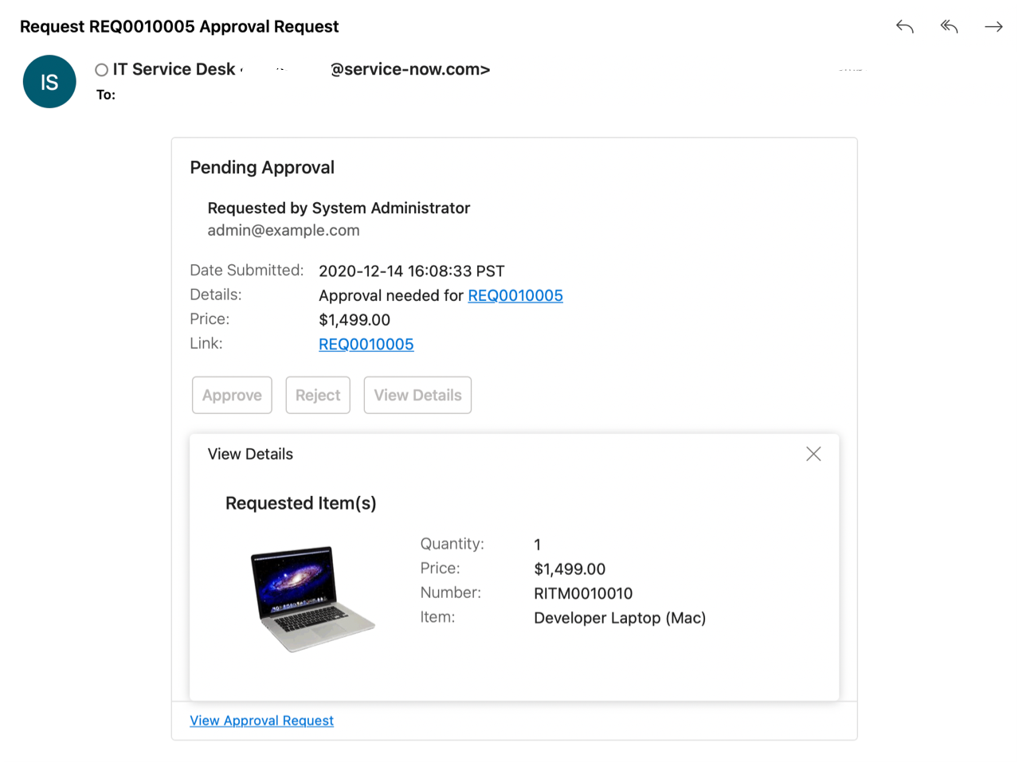
Outlook Actionable Messages are interactive email cards displayed inside Microsoft Outlook. Instead of simply receiving an email notification, users can perform actions such as:
- Approve or Reject Requests
- Complete Surveys
The actions are performed directly from Outlook without navigating to ServiceNow.
Why Use Outlook Actionable Messages?
Organizations implement Outlook Actionable Messages because they:
- Improve employee engagement
- Increase approval response rates
- Reduce dependency on the ServiceNow portal
- Provide a modern and interactive email experience
- Simplify approval and feedback processes
Interactive notifications generally receive better engagement compared to traditional email notifications.
Prerequisites
Before configuring Outlook Actionable Messages, ensure the following:
- ServiceNow instance is active
- Microsoft Outlook integration is configured
- Appropriate plugins are activated
- Email notifications are configured
- Microsoft Entra ID authentication is configured for Outlook Actionable Messages
Microsoft retired External Access Token (EAT) authentication in March 2026, and new implementations should use Microsoft Entra ID authentication.
High-Level Configuration Steps
Step 1: Activate Required Plugins
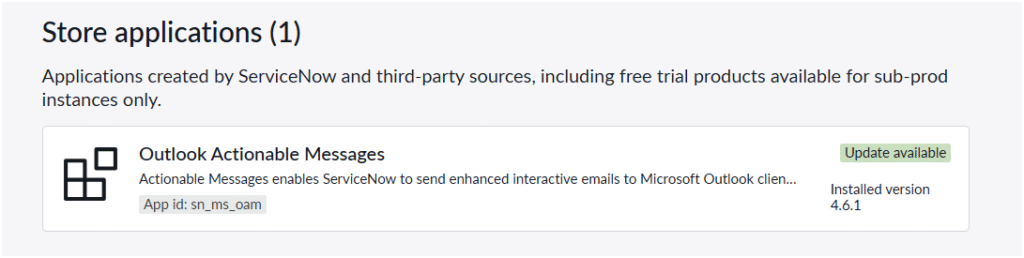
Install and activate the Outlook integration plugins.
Step 2: Configure Survey
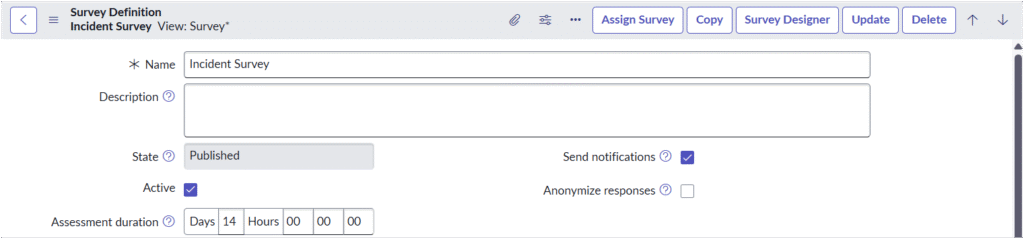
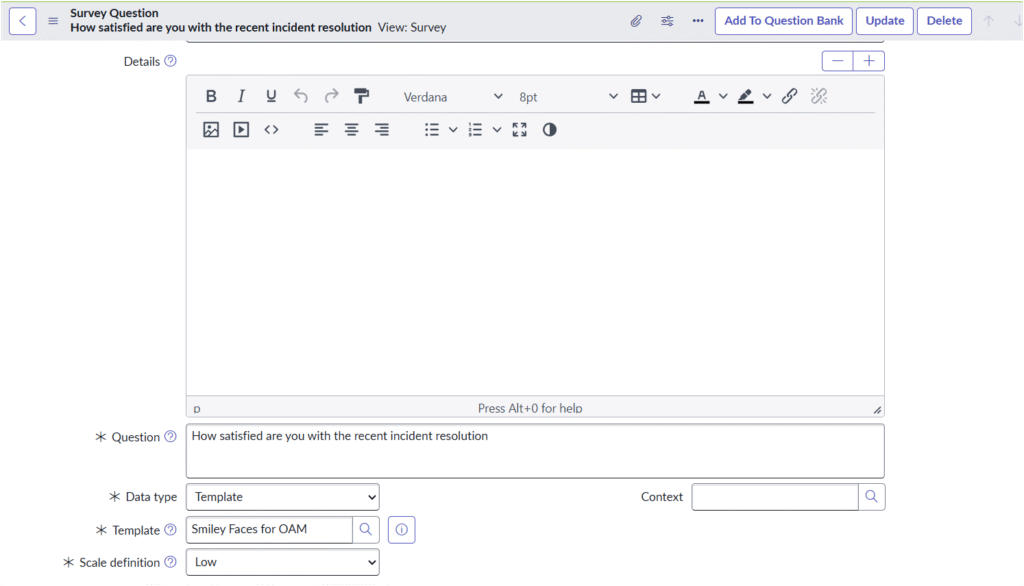
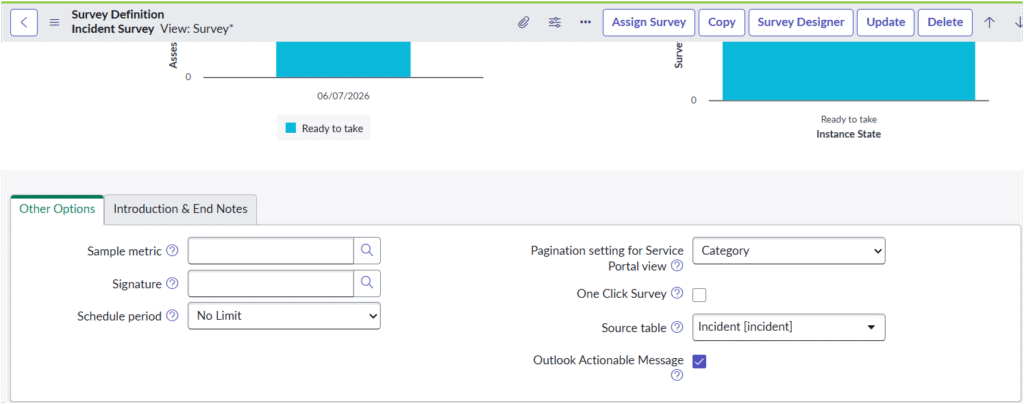
Create a configure Survey Definition via survey designer or by navigating view survey module under survey create a survey category and create Assessment Metrics in the category for example we have create one question How satisfied are you with the recent incident resolution data type as template and template as Smiley Faces for OAM which is OOTB configured specially for OAM
On survey definition the outlook actionable message must be checked
Step 3: Configure Email Notifications
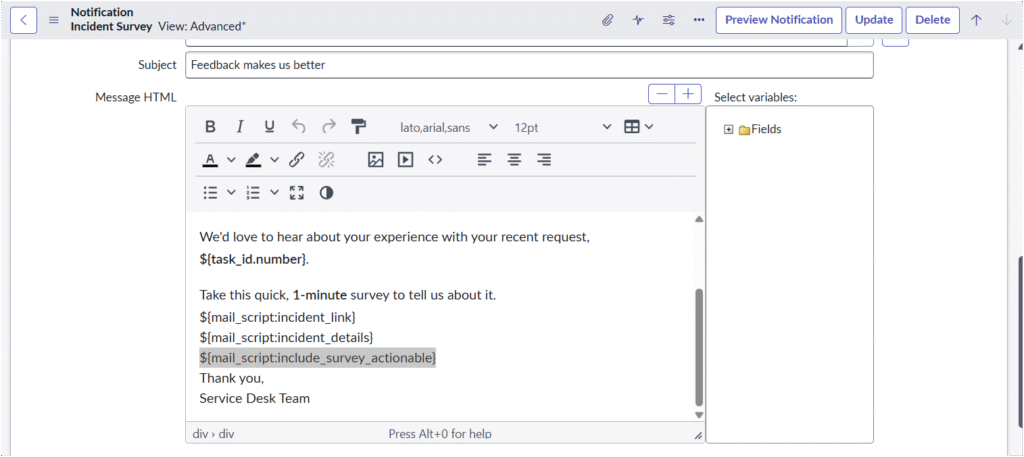
We will be using OOTB notification called Incident Survey for triggering survey email we need to add a mail script ${mail_script:include_survey_actionable} to trigger OAM in our email
once added our setup is complete and based on trigger condition OAM notification will start triggering
Step 4: Test the Integration
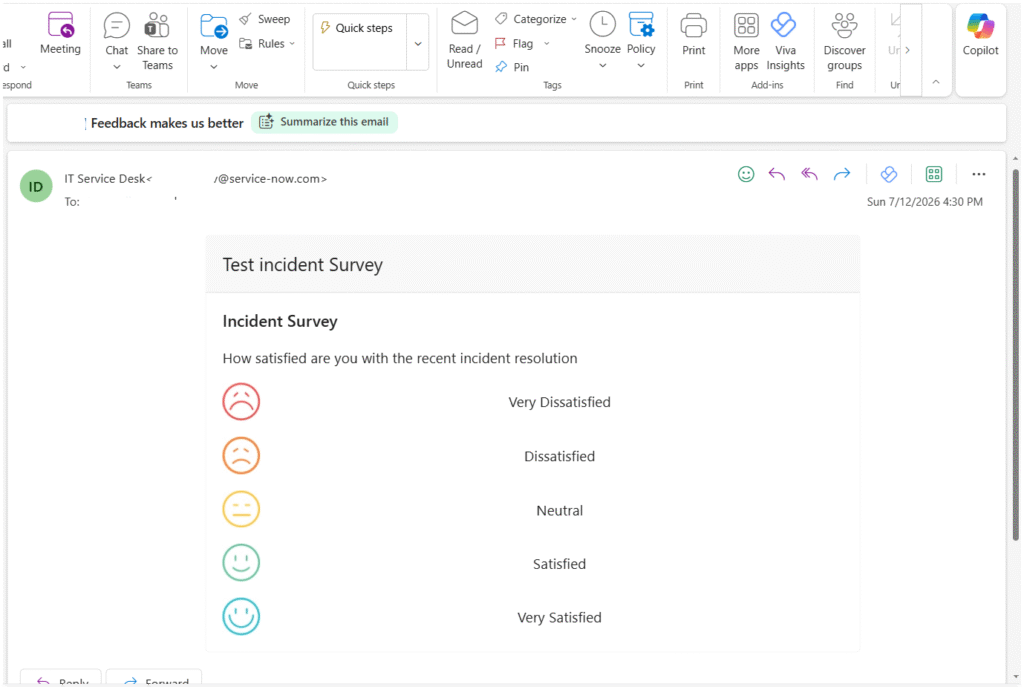
Create survey based on the trigger condition that has been specified , in our case we create survey once incident has been resolved
The caller of incident will recieve an email as shown below
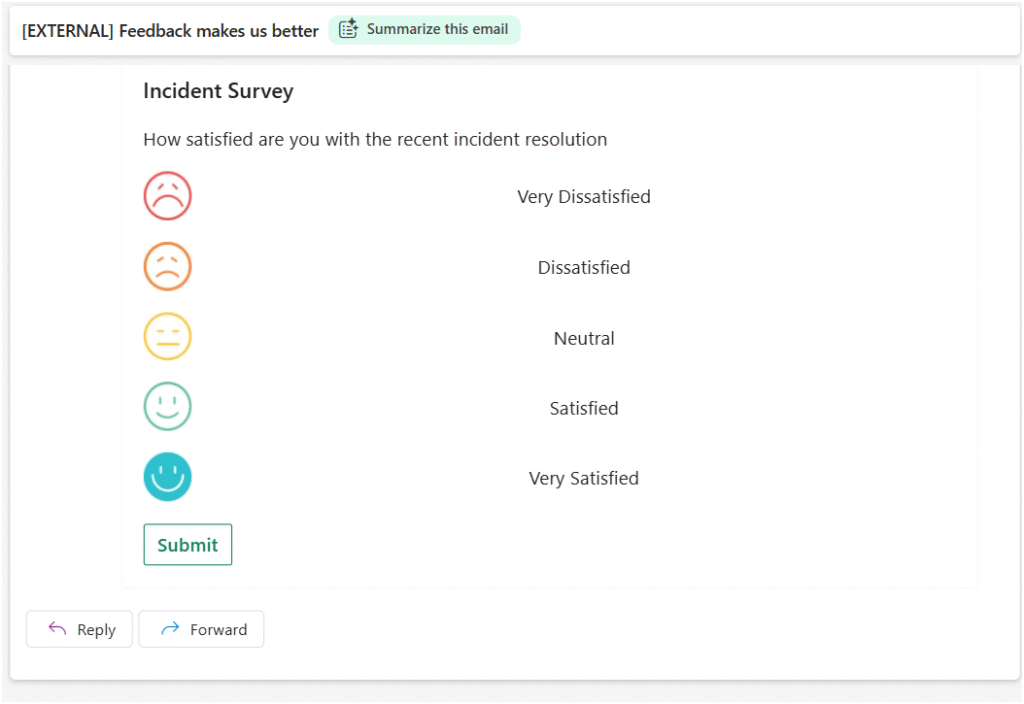
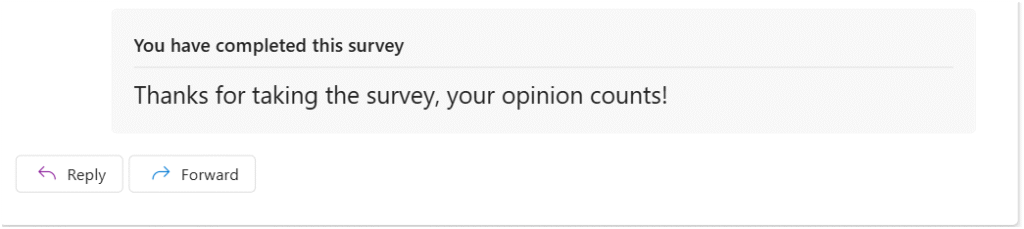
Once the mail receiver selects any option and submit the survey gets submitted through outlook email without navigating to service-now
Conclusion
After successful configuration:
✅ Users receive interactive emails in Outlook.
✅ Managers can approve or reject requests directly from email.
✅ Employees can provide feedback and complete surveys without opening ServiceNow.
✅ Overall user engagement and productivity improve.
Note’s
Actionable messages are supported only for emails sent from the @service-now.com email address. If you are sending an email from a customized email address, you should register as a new service in the Microsoft website setting the scope as Organization. Specify the provider ID value in the sn_ms_oam.outlookactionable.originator property.
At UrhaanTech, we specialize in implementing and optimizing ServiceNow solutions, including Outlook Actionable Messages and Microsoft integrations. Whether you need assistance with interactive email notifications, custom SMTP configurations, approval workflows, or overall ServiceNow optimization, our experts are here to help
. Contact UrhaanTech today to ensure a smooth, secure, and efficient ServiceNow experience! 🚀